Platform — OCPP Management
One Gateway for Every Charger Firmware Version
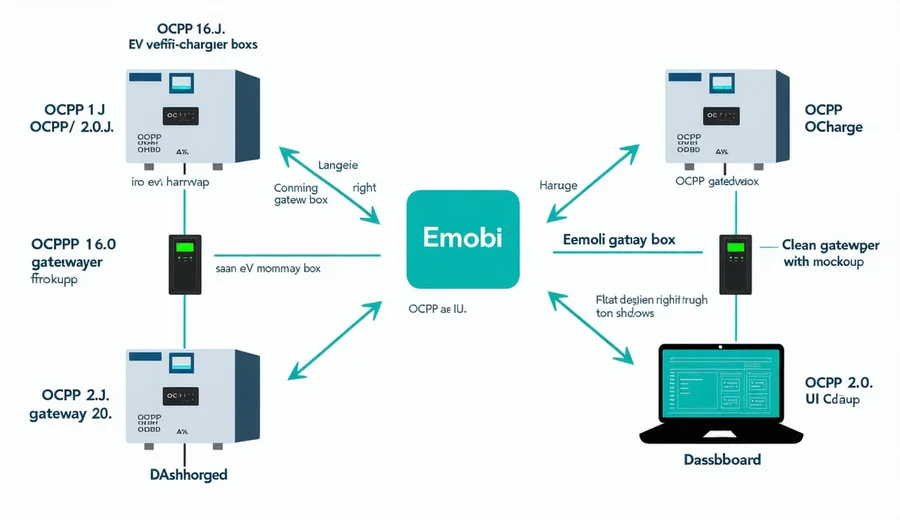
Emobi's OCPP gateway handles 1.6J and 2.0.1 simultaneously, abstracting firmware differences so your operations team sees one unified control surface — regardless of hardware vendor.
Protocol Coverage
OCPP 1.6J vs 2.0.1 — Both, Simultaneously
| Capability | OCPP 1.6J | OCPP 2.0.1 |
|---|---|---|
| Remote Start / Stop | Supported | Supported |
| Smart Charging Profiles | Basic | Full OCPP 2.0.1 profiles |
| ISO 15118 / Plug & Charge | — | Device model + PnC |
| Security Extensions | Basic TLS | Full OCPP 2.0.1 security profile |
| Firmware Management | Supported | Supported |
| Display Messaging | — | Display message profiles |
| Meter Values | Core + Local Auth | Extended transaction data |
| Reservation | Supported | Supported |
Integration Architecture
How the OCPP Gateway Works
WebSocket Endpoint
Each charger connects to a dedicated OCPP WebSocket endpoint over TLS 1.3. Emobi handles the protocol handshake and version negotiation automatically.
Protocol Translation
OCPP messages are normalized into Emobi's internal event model, so your application code only needs to understand one API regardless of the underlying protocol version.
Event Delivery
All charger events — status changes, session starts, meter values, fault codes — are delivered to your systems via webhooks or the streaming events API in under 120ms.
Implementation
Typical Integration
Connect your first charger in under an hour. Point the station's OCPP WebSocket URL at your Emobi endpoint in the charger's admin UI, configure your webhook receiver, and you'll see BootNotification and Heartbeat messages within minutes. Protocol version is negotiated automatically — no separate configuration for 1.6J versus 2.0.1 stations on the same network.
# Charger WebSocket URL (configure in charger admin UI)
wss://ocpp.getemobi.com/1.6/YOUR_NETWORK_ID/STATION_ID

# OCPP 2.0.1 endpoint
wss://ocpp.getemobi.com/2.0.1/YOUR_NETWORK_ID/STATION_ID
FAQ
Common Questions
Connect Your First EVSE in Under an Hour
Schedule a technical walkthrough. Tell us your hardware vendor and OCPP firmware version — we'll validate compatibility, provision your WebSocket endpoint, and walk you through the BootNotification handshake live on the call.